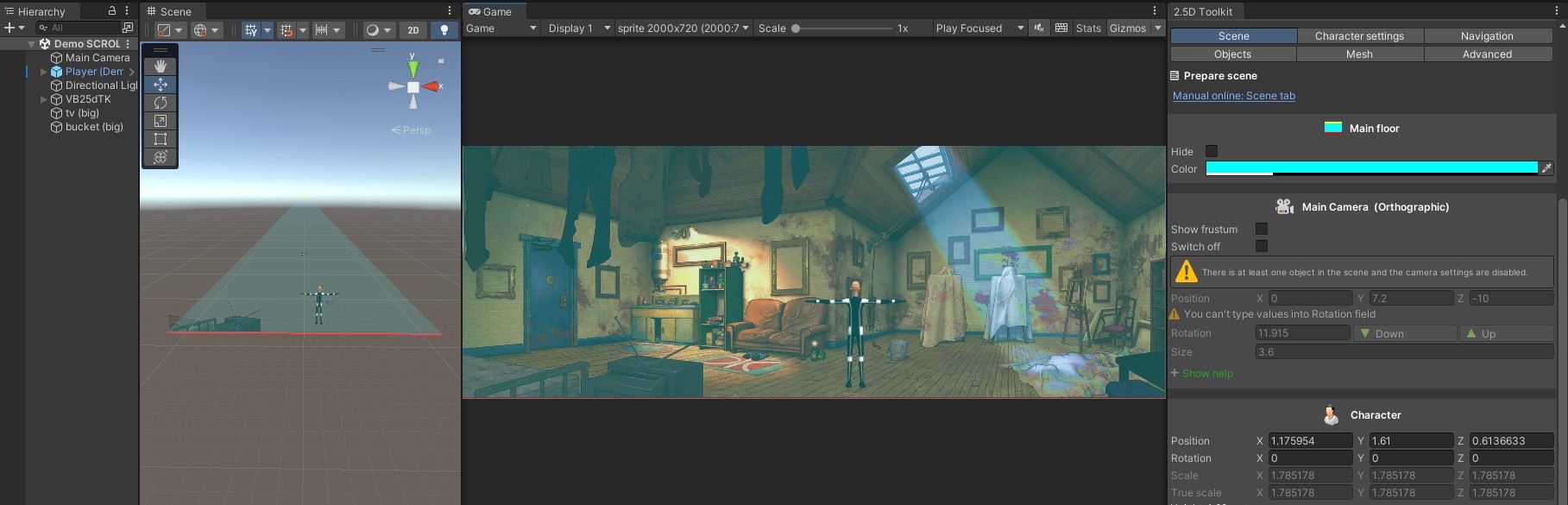
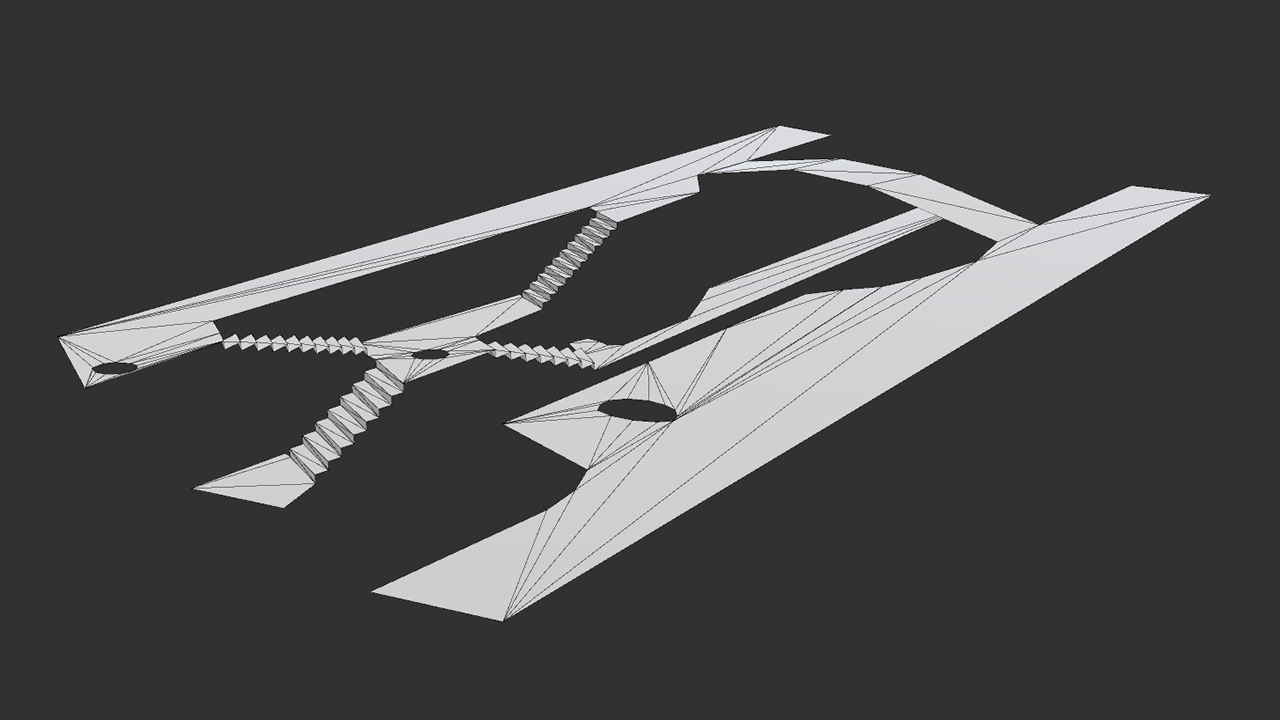
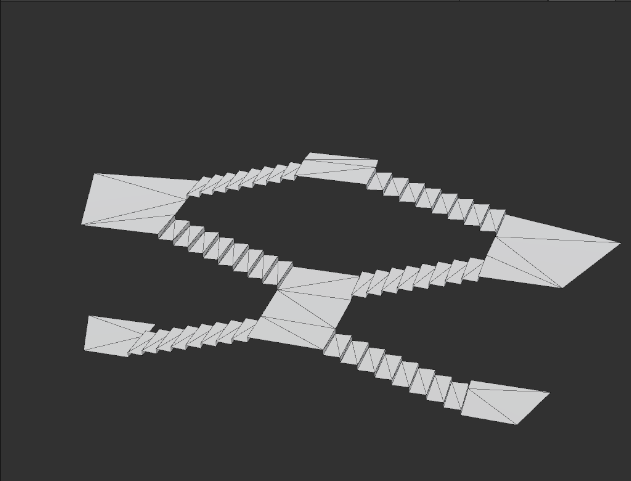
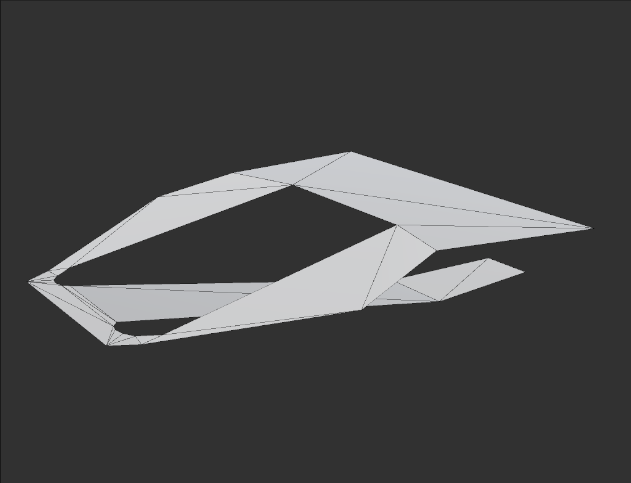
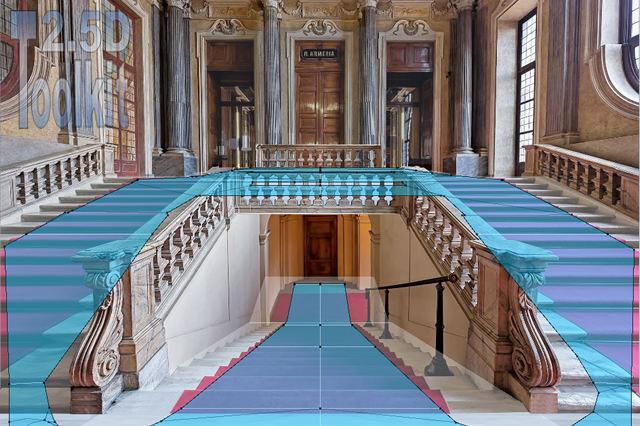
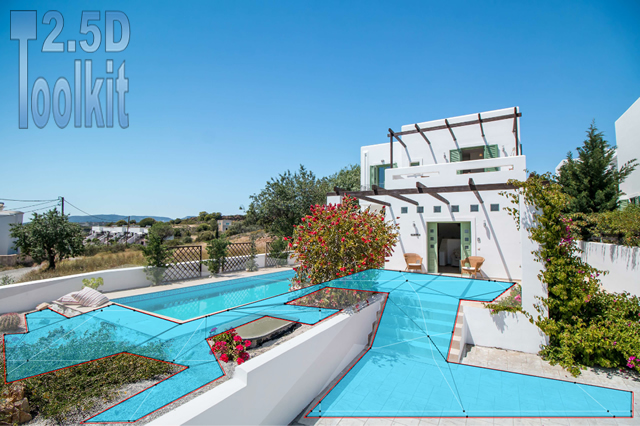
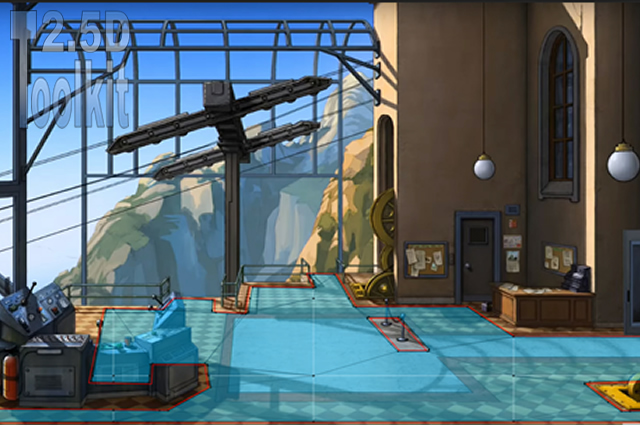
Once the scene is complete, create your mesh from the Mesh tab.
Select the generated mesh and assign the following materials from 2.5dToolKit/Shading:
- Drag MatteShadow to Element 0 of the Mesh Renderer.
- Set CustomTransparentShadowCollectorVal as the shader for the MatteShadow material.
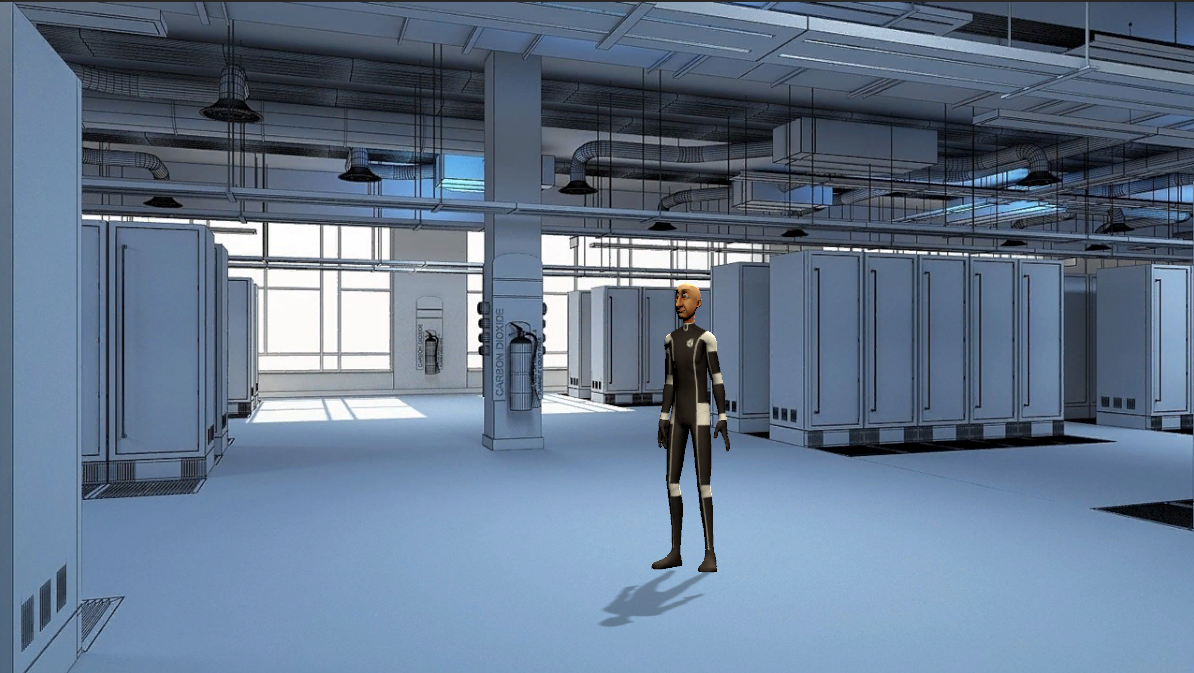
For maximum performance, select the Directional Light and set Realtime Shadows -> Resolution to Very High Resolution.
If the shader does not behave as expected, you can try the alternative shaders included in the folder.
Keep in mind that these shadow materials are provided for demonstration purposes only. You may use your own materials or create custom shaders for better results.