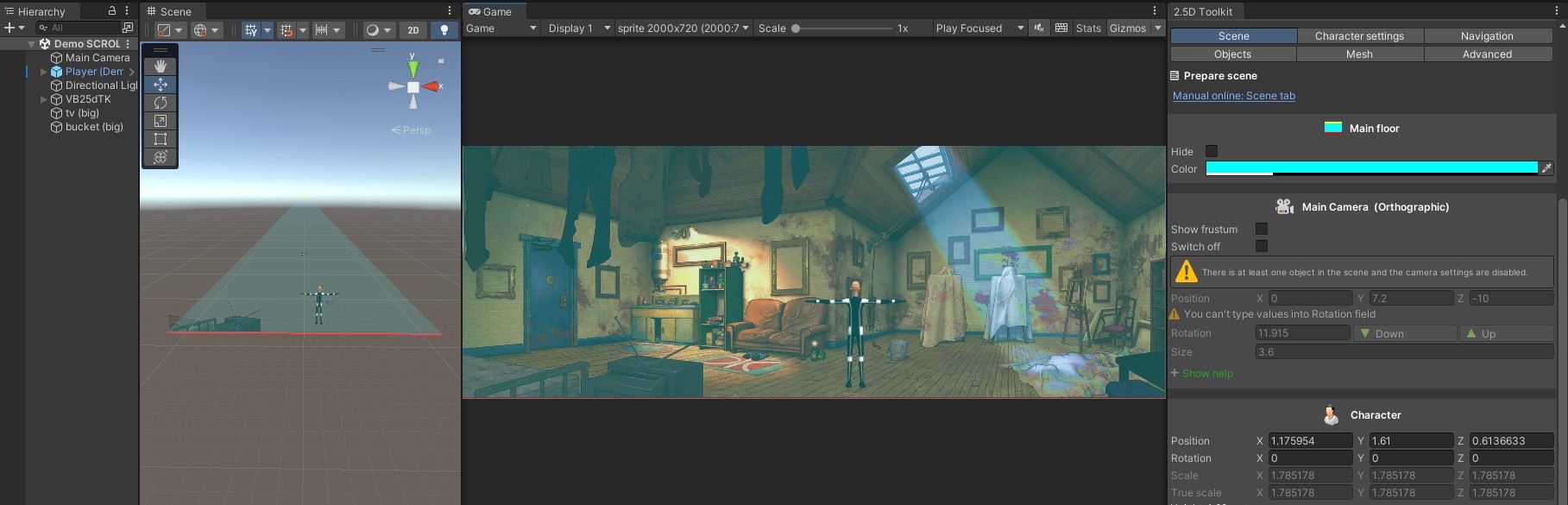
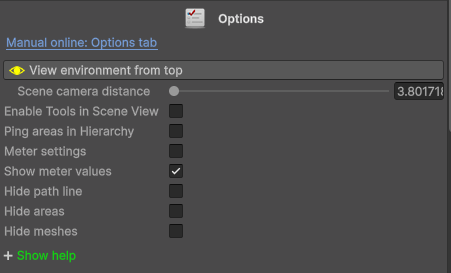
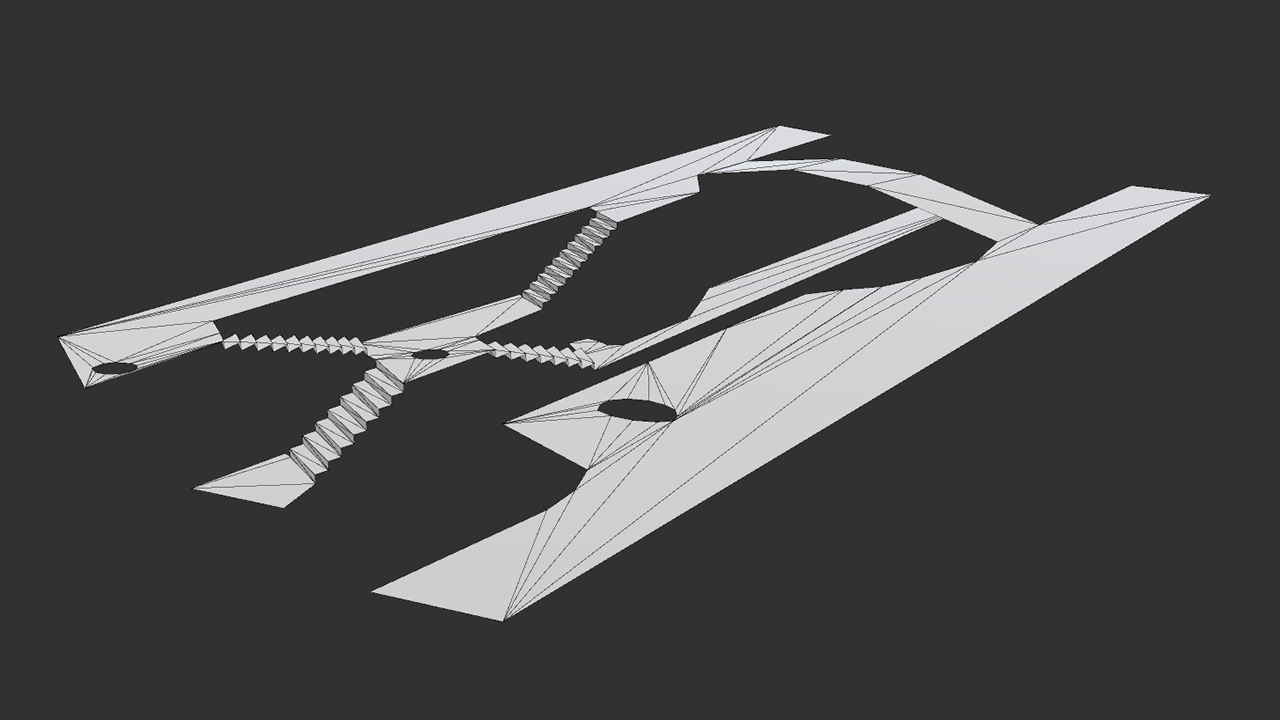
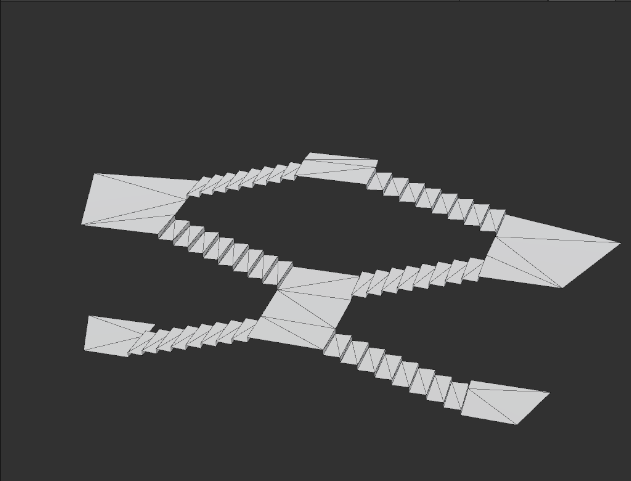
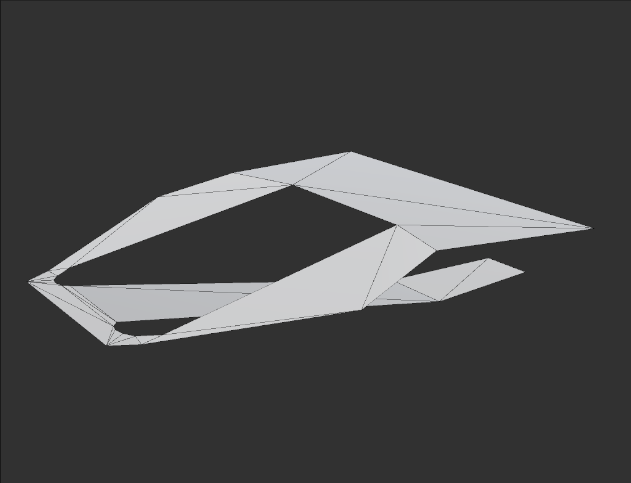
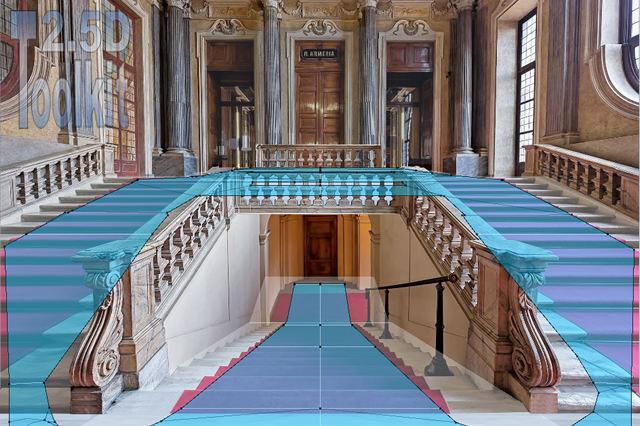
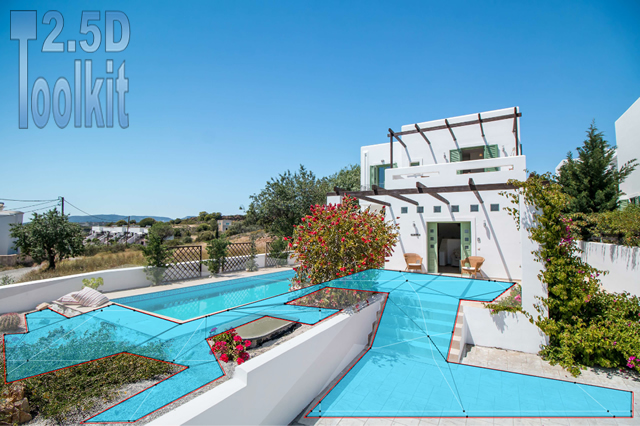
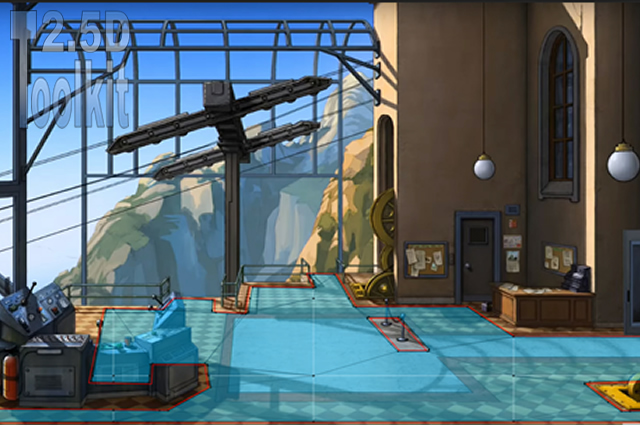
[View environment from top]
Useful for:
Viewing the shape and size of the areas without perspective distortion, ensuring correct proportions.
Positioning 2D/3D objects along the Z-axis with maximum precision.
[Scene camera distance]
Adjust the Scene View camera zoom in or out.
[Enable tools in Scene View]
Not recommended. All objects in the scene should be managed through the 2.5D Toolkit controls.
[Ping areas in Hierarchy]
Highlight the selected area in the Hierarchy for quick identification.
[Meter settings]
Enable the measurement tool and its available options.
Once enabled, left-click an edge to show or hide its length.
[Show meter value]
Show or hide all measurement labels.
[Hide path line]
In Play Mode, hides the movement path assigned to the character.
[Hide areas]
Hide all areas created in the scene.
[Hide meshes]
Hide all meshes generated in the scene.