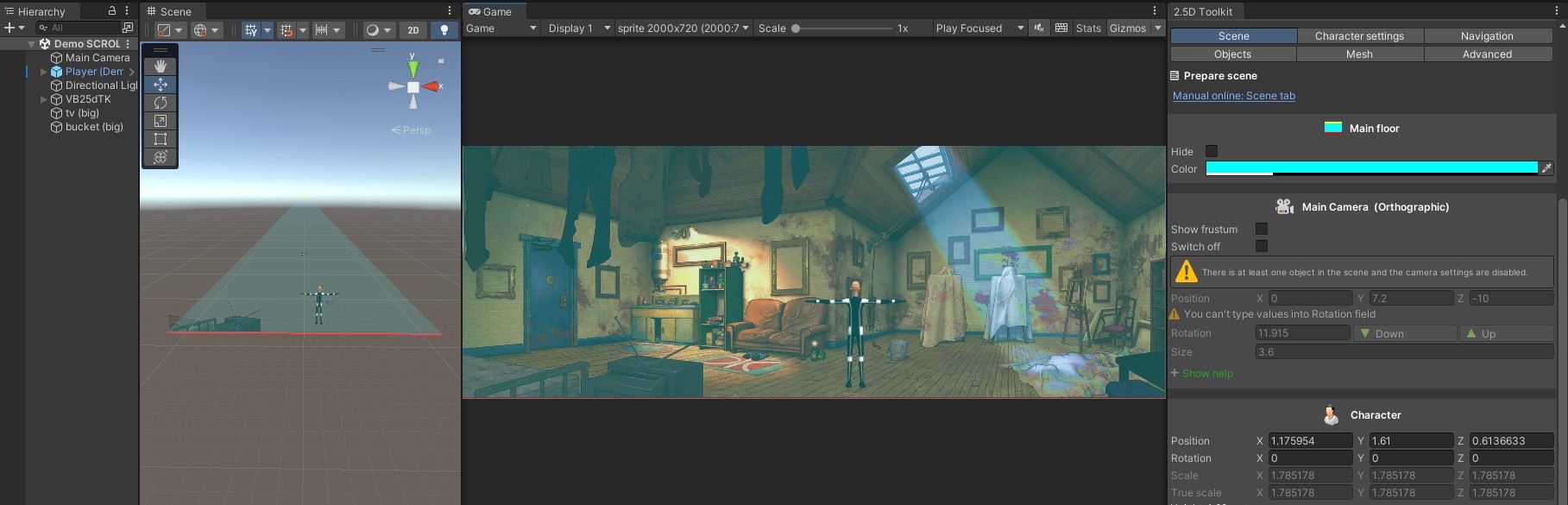
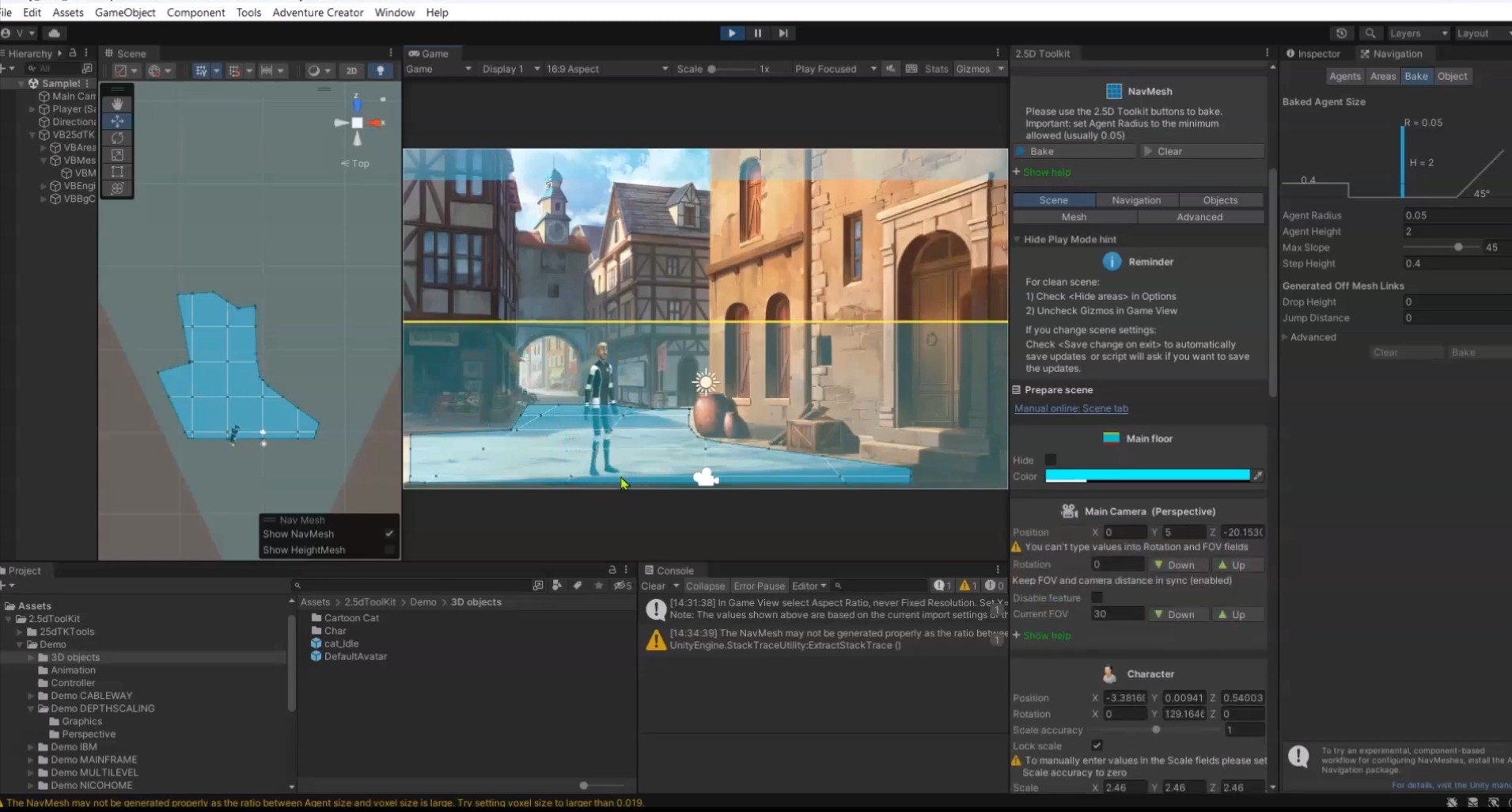
Depth Scaling is a feature that allows precise control over the character’s apparent size in a perspective scene.
It lets you manually define two reference points (near and far), and the system then applies a continuous, linear scale interpolation along the scene depth – including areas beyond those two points – ensuring consistent proportions across the entire environment.
This video covers:
- How to build a scene that uses Depth Scaling
- What Depth Scaling is and how it works
- How to export the scene
- How to import it into a new project using the full 2.5D Toolkit workflow
- How to import it into a project that uses Adventure Creator
The video demonstrates the entire workflow: setting up Depth Scaling, exporting the scene, and importing it both into a full 2.5D Toolkit project and into an AC-based project.